Microsoft or Google? Mac or Windows? They Can All Be Secure.
Microsoft or Google? Mac or Windows? They can all be secure. The real risk is an unmanaged technology environment.
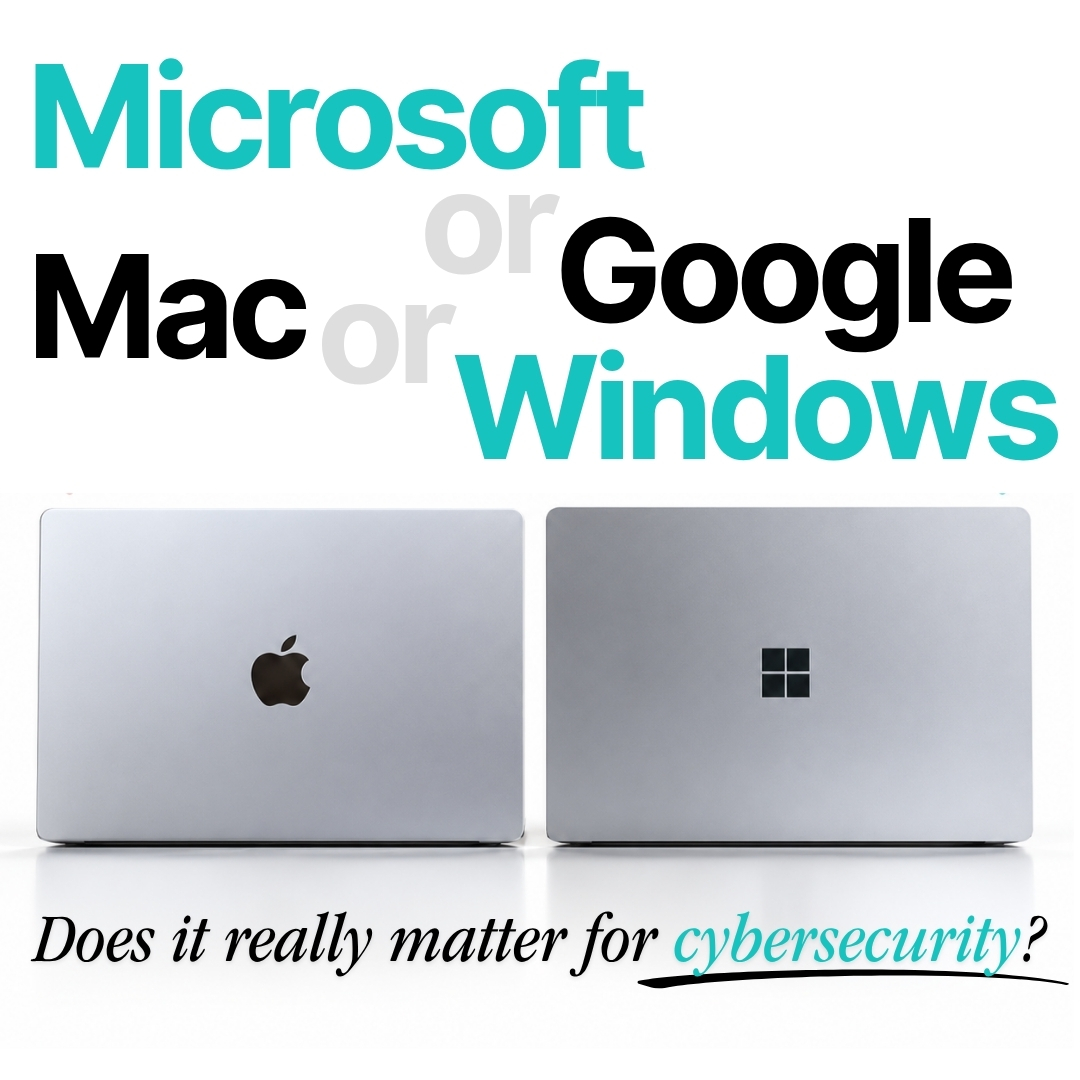
October is Cybersecurity Awareness Month, making it the perfect time for businesses to look beyond the technology they use and ask a more important question:
Is our technology actually being managed securely?
Businesses often wonder whether Microsoft 365 is more secure than Google Workspace, or whether Mac is safer than Windows.
The reality is that Microsoft 365, Google Workspace, macOS and Windows can all provide strong security for businesses. But they can also become vulnerable when accounts, devices, permissions and security settings aren’t properly managed.
Cybersecurity isn’t simply about choosing the “right” brand or platform. It’s about how your technology environment is configured, monitored, maintained and supported.
Microsoft 365 or Google Workspace: Which Is More Secure?
Both Microsoft 365 and Google Workspace offer security features designed to help businesses protect their accounts, communications and data.
Both can support measures such as multi-factor authentication (MFA), access controls, security monitoring and administrative policies.
But simply using Microsoft 365 or Google Workspace doesn’t automatically make your business secure.
Security depends on how those tools are set up and managed. MFA needs to be properly configured, user access should be reviewed, administrator privileges should be controlled and connected applications need to be monitored.
The platform matters, but how it is managed matters just as much.
Mac or Windows: Which Is More Secure for Business?
The same applies when comparing Mac and Windows security.
Both macOS and Windows include built-in security capabilities and can be used securely within a business environment.
A Mac isn’t automatically protected from every cyber threat, and a Windows PC isn’t automatically less secure simply because it runs Windows.
Whichever devices your team uses, they still need appropriate security controls, regular updates, secure access, device management and ongoing monitoring.
Your Technology Isn’t Necessarily the Problem
There’s no single combination of devices and platforms that automatically makes a business secure.
You might be running:
- Google Workspace + Mac – popular, simple and powerful.
- Google Workspace + Windows – flexible and capable.
- Microsoft 365 + Mac – a strong combination for businesses working across ecosystems.
- Microsoft 365 + Windows – feature-rich and deeply integrated.
Each can work well.
Each still needs proper management.
The bigger cybersecurity risk is often an unmanaged IT environment, where settings, permissions, devices and accounts are left unchecked.
What Can Go Wrong in an Unmanaged IT Environment?
Cybersecurity incidents don’t always begin with a sophisticated attacker “breaking into” your systems.
Sometimes, attackers simply take advantage of gaps that have been sitting unnoticed.
A former employee may still have access to company systems. Too many people may have administrator privileges. Multi-factor authentication might be missing or poorly configured. A phishing email could make its way into someone’s inbox.
There could also be unknown third-party applications connected to business accounts, files shared more widely than intended, unmanaged laptops accessing company data, or important security settings that haven’t been reviewed in years.
And perhaps most concerning:
If suspicious activity did occur, would anyone notice?
Modern Cyberattacks Often Target People, Not Platforms
Microsoft, Google, Apple and Windows all invest significantly in security. But even strong technology cannot completely protect a business when accounts, permissions, devices and people aren’t properly managed.
Modern attackers don’t always need to “hack” their way through sophisticated security controls.
Instead, they may target employees through phishing, steal login credentials, exploit weak or reused passwords, take advantage of excessive permissions, or gain access through an unmanaged device or third-party application.
Once someone has legitimate credentials, their activity can look surprisingly similar to that of a genuine employee.
That’s why effective business cybersecurity needs to consider people, processes and technology together.
Cybersecurity Is About Ongoing Care
Security isn’t something you configure once and forget about.
As your business grows, people join and leave, new devices are introduced, applications are connected and information is shared in different ways.
Your technology environment changes — and your security needs to change with it.
Regular cybersecurity reviews can help identify things like:
- Unnecessary or inactive user accounts
- Excessive administrator permissions
- Missing or incorrectly configured MFA
- Unmanaged devices
- Risky or unknown third-party applications
- Outdated security settings
- Inappropriate access to business information
Finding these gaps early gives you an opportunity to address them before they become bigger problems.
The goal isn’t to make technology scary. It’s to make sure it’s being looked after.
When Was Your Business Cybersecurity Last Reviewed?
This Cybersecurity Awareness Month, it’s worth asking:
When was the last time someone properly reviewed your business’s cybersecurity?
Not just whether your antivirus is switched on.
Not just whether your team uses MFA.
But your whole technology environment — including your users, devices, accounts, permissions, applications and security settings.
At Peppermint iT, we believe technology should help businesses feel supported, not overwhelmed.
Whether your business uses Microsoft 365 or Google Workspace, Mac or Windows, we can help you understand where you stand, identify potential security gaps and work out what needs attention.
Start With a Peppermint iT Security Check-Up & Review
Not sure where your business currently stands?
Our Security Check-Up & Review takes a closer look at your current technology environment to help identify potential security gaps, risks and opportunities to strengthen your protection.
It’s about understanding what you already have, what’s working and where your business may need a little more care.
Because the biggest security risk isn’t necessarily the platform you choose.
It’s an unmanaged environment.